Introduction to Userscripts
Userscripts are JavaScript code snippets with functionality similar to modern browser extensions. While browser extensions are software that modify the UI of specific web services, such as ad blockers or dark mode programs, userscripts are typically used for lighter modifications on a smaller scale, usually consisting of just a few simple lines of code.
This article introduces userscripts with real-world examples and sample code. Using userscripts requires the help of a browser extension called a userscript manager. However, I won’t cover installation and usage methods in detail as they vary by browser and are somewhat off-topic.
Installation and usage instructions are available on the official websites of various userscript managers. Please note that support varies by browser.
- Tampermonkey: Chrome, FireFox, Safari, MS Edge, Opera, Dolphin, UC
- Violentmonkey: Chrome, FireFox, Opera, Maxthon
- Greasemonkey: FireFox
What Can You Do With Them?
By leveraging JavaScript’s direct access to the DOM, userscripts can automate web browsing tasks.
Example of Modifying UI: just-news
| Before Application | After Application |
|---|---|
 |  |
Figure 1: ‘just-news’ userscript project
‘just-news’ is the userscript project with the most contributors in the domestic Open Source community. (I contributed too!) It removes unnecessary information like advertisements from Korean internet news sites and reconstructs the page to show only the article body. Its key feature is a powerful article parser that replaces the page with a dedicated reader view once the full article text is loaded, even if the page hasn’t fully loaded.
Performing Repetitive Input Once: KakaoPay PC Payment
| Payment with QR Code | Payment via KakaoTalk Message |
|---|---|
 |  |
Figure 2: Desktop KakaoPay payment system
To use KakaoPay payment on desktop, you have to go through these 4 steps every time:
- Scan the QR code or switch tabs, prompting you to enter your phone number and date of birth.
- Users get confused when the KakaoTalk QR scan function doesn’t recognize the KakaoPay QR code1
- Wait 1-2 seconds to get the URL information through a QR code reader app (Android users need time to install a separate app). Alternatively, switch to the tab on the upper right, enter your phone number and date of birth, and receive a link via KakaoTalk message.
- Complete the payment through payment password or fingerprint recognition.
Android users might find it inconvenient to use a different app to scan QR codes, and the alternative of entering phone number and date of birth every time seemed cumbersome.
Fortunately, the web service was built as an SPA. By filling the hidden input form element values with the userscript in Code 1, you no longer have to go through the tedious input process.
// ==UserScript==
// @name   kakao-pg
// @version 1
// @match https://pg-web.kakao.com/v1/*/info
// @match https://pg-web.kakao.com/v1/*/info#none
// ==/UserScript==

window.onload = () => {
  document.querySelector('#userPhone').value = '0101234567';
  document.querySelector('#userBirth').value = 840301;
  document.querySelector('.btn_payask').click();
};
Code 1: kakao-pg.user.js

Using Code 1 to send payment details to KakaoTalk without entering any information directly into the popup form
Improving Jeju University Login
As a student at Jeju National University, I use two campus web services: HaYoung Dreamy (하영드리미), a student records management service, and the e-learning website. I felt significant inconvenience with their usability, as the UI was less intuitive, similar to government/public institution web services.
HaYoung Dreamy can be accessed from campus public computers, so it uses session authentication with time limits. Session authentication is set to terminate the session after a certain period of no response. If I switched to another tab for a moment and came back, I’d be logged out and have to manually enter my student ID and password again. I felt this was very inconvenient since I was using my personal computer.
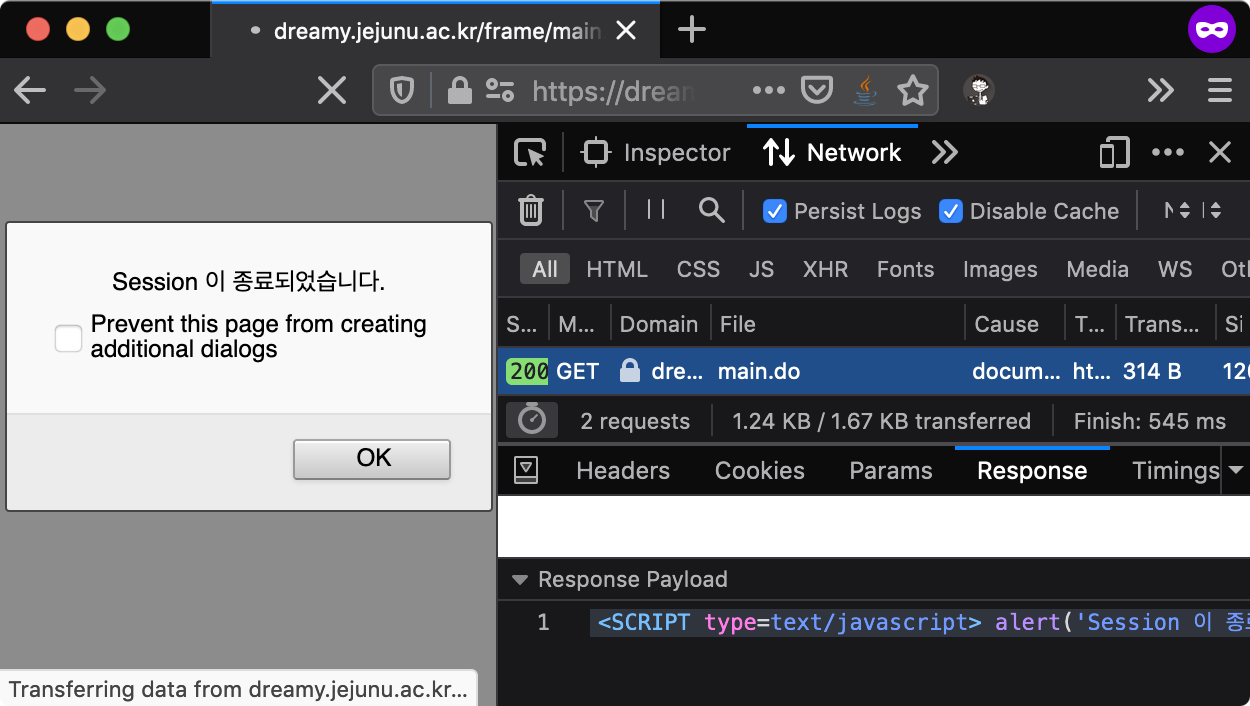
Figure 3: HaYoung Dreamy session expiration
HaYoung Dreamy’s login page uses the route /frame/index.do, and the main page uses the route /frame/main.do. I wrote Code 2 to click the submit button on the login page when redirected to /frame/index.do due to session expiration.
// ==UserScript==
// @name   dreamy
// @match https://dreamy.jejunu.ac.kr/frame/index.do*
// ==/UserScript==
window.onload = () => {
  if (document.getElementsByName('frmLogin').length) {
    document.querySelector('#userid').value = 1234567890;
    document.querySelector('#password').value = 'password';
    document.querySelector('#act_lgn').click();
  }
};
Code 2: dreamy.user.js
Using Code 2, when suddenly redirected to the login page, it fills the login form and clicks the submit button for you.
Lightweight Web Service Code Patch: Improving Online Lecture Access
Jeju National University students had to deliberately access the e-learning video content via HTTP protocol instead of HTTPS. This was because modern browsers don’t allow mixed HTTPS and HTTP content browsing, which blocked the video content being served over HTTP.
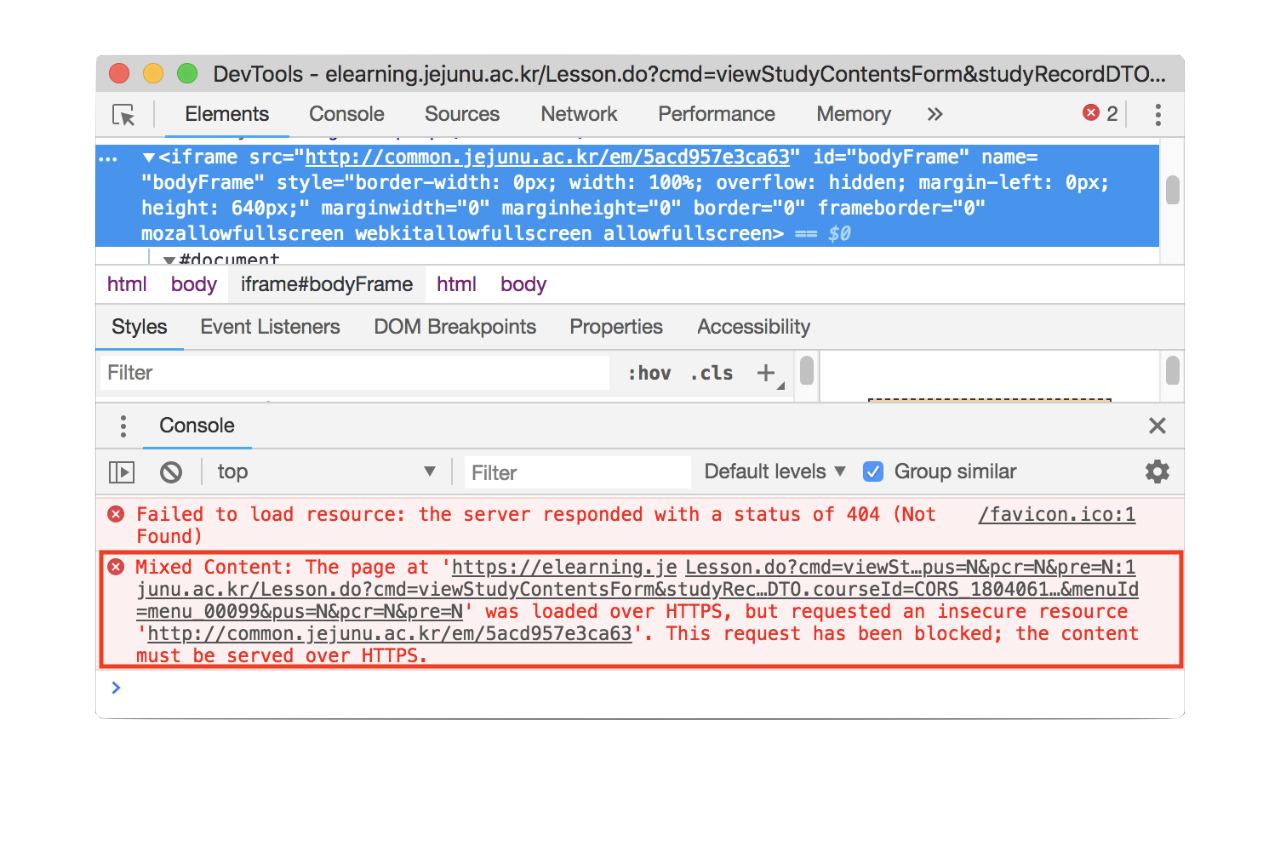
Figure 4: Embedded content blocked by Mixed active content security policy
However, I accessed the e-learning site over HTTPS more frequently to use the attendance feature than to watch lectures. Whenever I needed to watch an online lecture, I found it cumbersome to manually remove the ‘S’ from the HTTPS I normally used. To reduce this effort, I wrote a userscript as shown in Code 3 that opens the blocked video source in a new window.
const regex = RegExp('^http://common.jejunu.ac.kr/em/[a-zA-Z0-9]*$');
const frame = document.querySelector('iframe#bodyFrame');

const INTERVAL = 100;
const trigger = setInterval(async () => {
  if (regex.test(frame.src)) {
    open(
      frame.src,
      '_blank',
      'width=' + window.innerWidth + ', height=' + window.innerHeight
    );
    clearInterval(trigger);
  }
}, INTERVAL);
Code 3: elearning.user.js
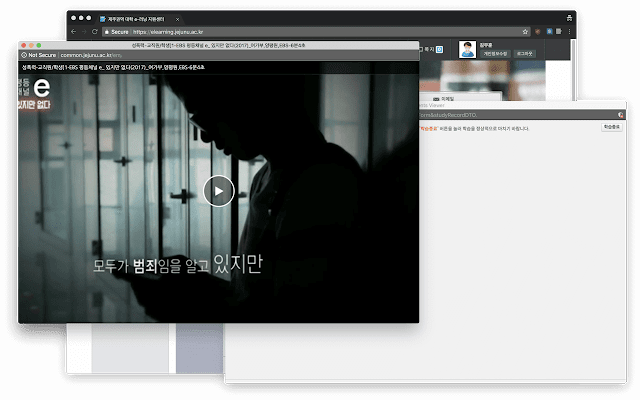
Figure 5: Opening insecure embedded content in a new window with help from Code 3
I wrote it to open a new window when the common.jejunu.ac.kr/em/\* pattern captured by the regular expression matches the src value of the iframe#body selector. Synchronous flow didn’t capture the src value, so I used asynchronous syntax. I thought other students might be experiencing the same problem, so I made it into an extension and shared it on the campus community.2
Userscript Repositories
As with the examples introduced so far, you can program them yourself, but you can also find userscripts already created by other users in the above list.
Conclusion
On December 1, 2019, due to a vulnerability in the CSAT website, 312 test-takers’ CSAT score reports were released earlier than expected. Less than two weeks later, I heard news that a domestic company was developing a web browser that blocks the view source function. (To hide programmers’ mistakes…?) I found this difficult to accept, as it seemed like welding a car’s hood shut before shipping it.
I believe that neglecting web service usability is similar to hiding preventable issues. However, I’m learning through my professional programming experience that there can be business limitations, such as one-time outsourcing projects where nothing more can be done, so unconditional criticism is not appropriate.
The disappointment I felt about usability led me to encounter userscripts and also became the motivation for writing about this topic. I will continue to use web services with the help of userscripts.
February 2022 Update
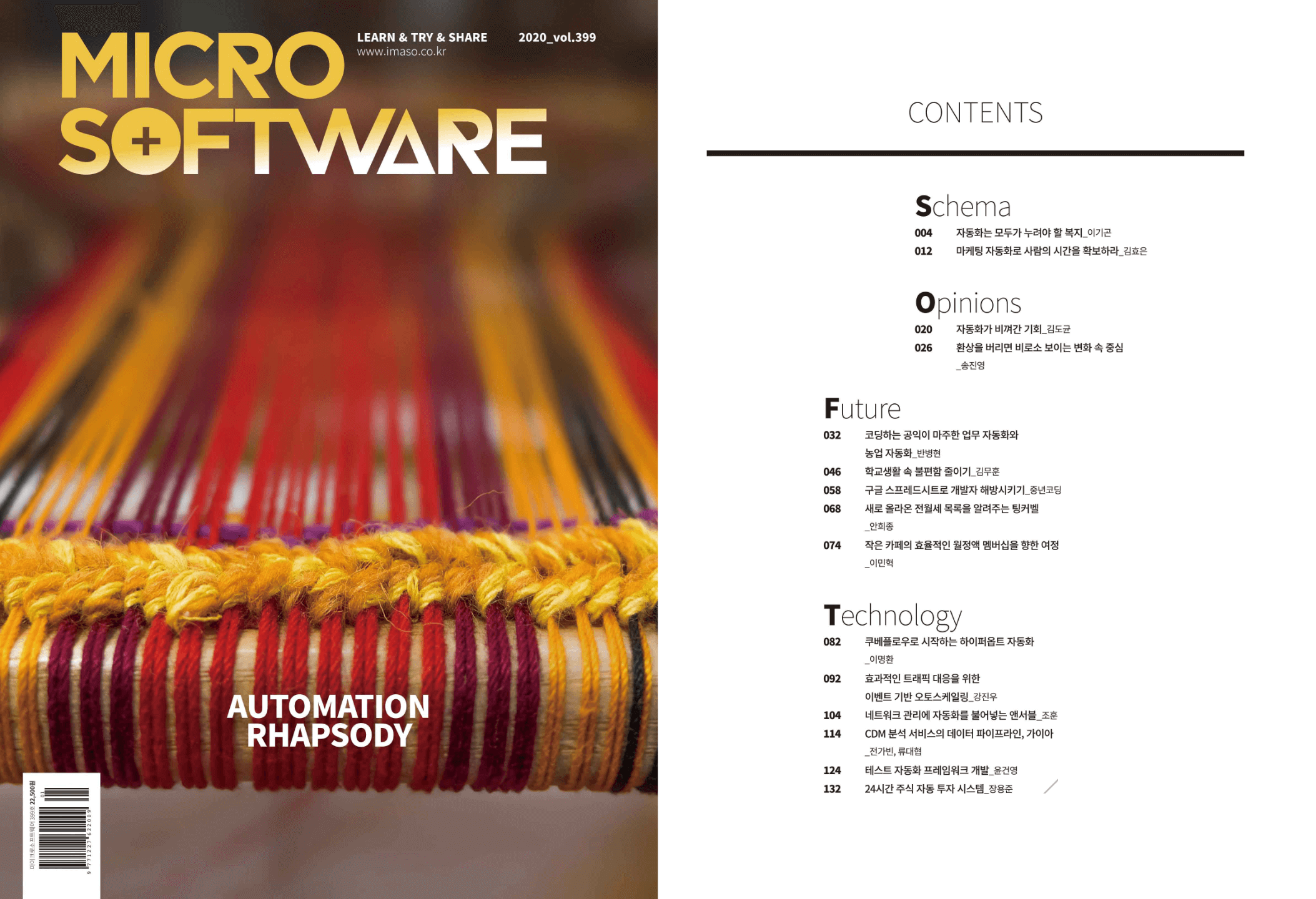
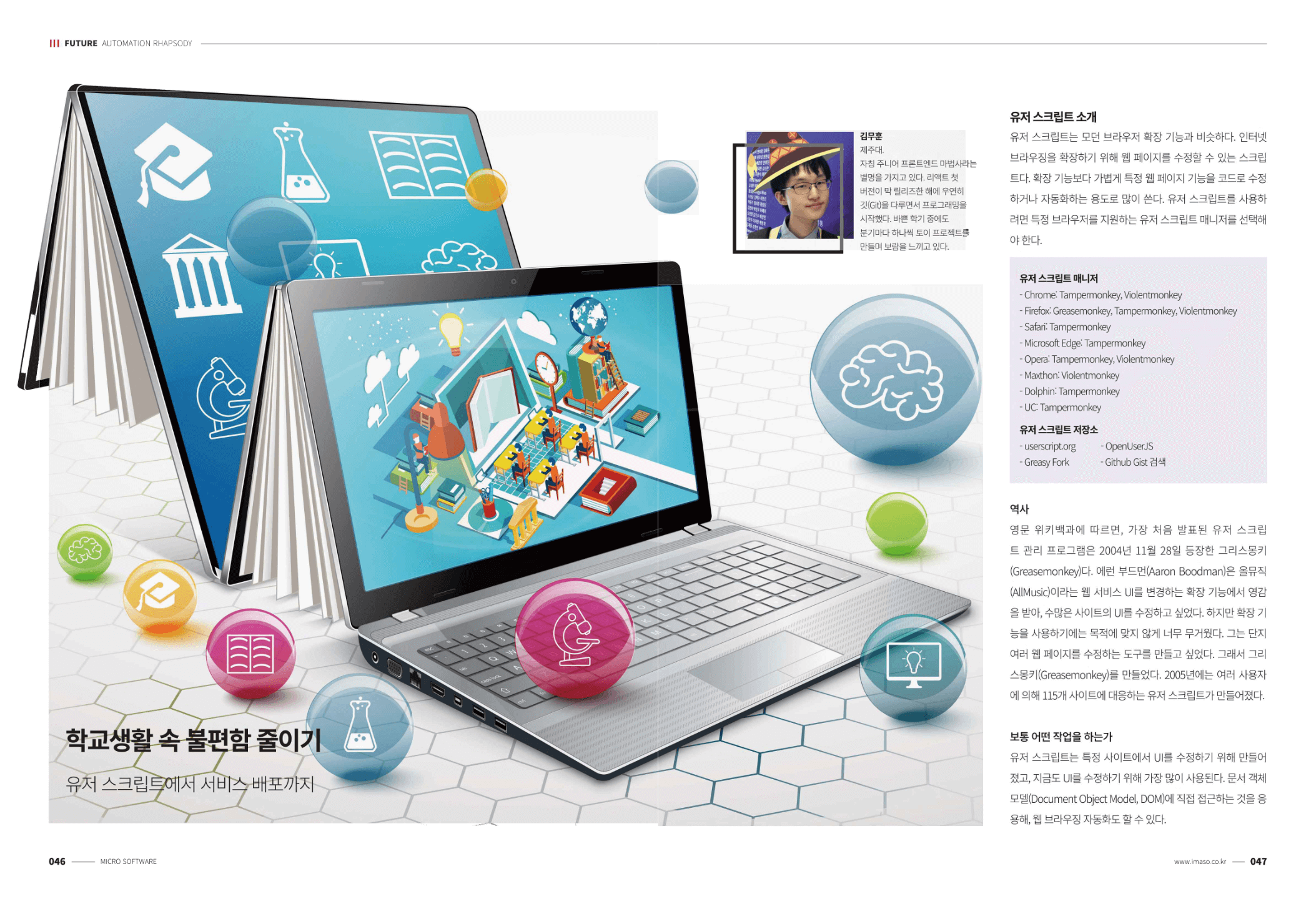
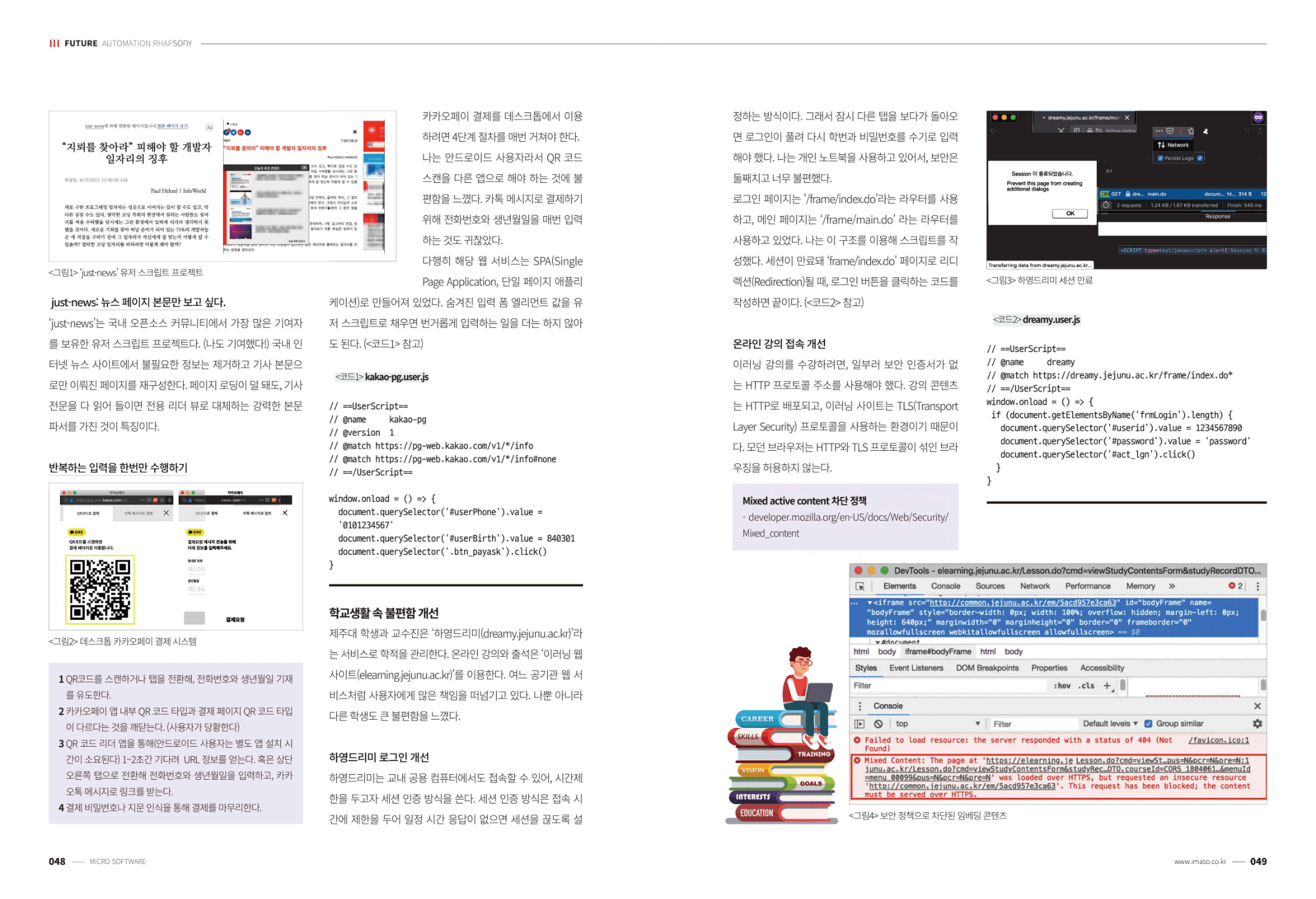
This article is an excerpt from “Reducing School Life Inconveniences with Userscripts (Korean)” which I contributed to MICROSOFTWARE Issue 399, a Korean software engineering magazine, featuring automation. When I read the published magazine myself, I felt that some parts of the original text strayed from the topic, so I refined the article this time to focus on userscript examples.
Not long after contributing to the magazine, I uploaded a free course called “Practical Web Programming (Korean)” on Inflearn with similar content, where I recorded a video of hands-on practice with the KakaoPay automation introduced in this article.
As of February 2020 when MICROSOFTWARE Issue 399 was published, KakaoPay QR code recognition was not supported. Currently, KakaoPay QR scanning with the KakaoTalk app has been confirmed to be available. ↩︎
Chrome Web Store link. This was my first deployment experience targeting general users. 😊
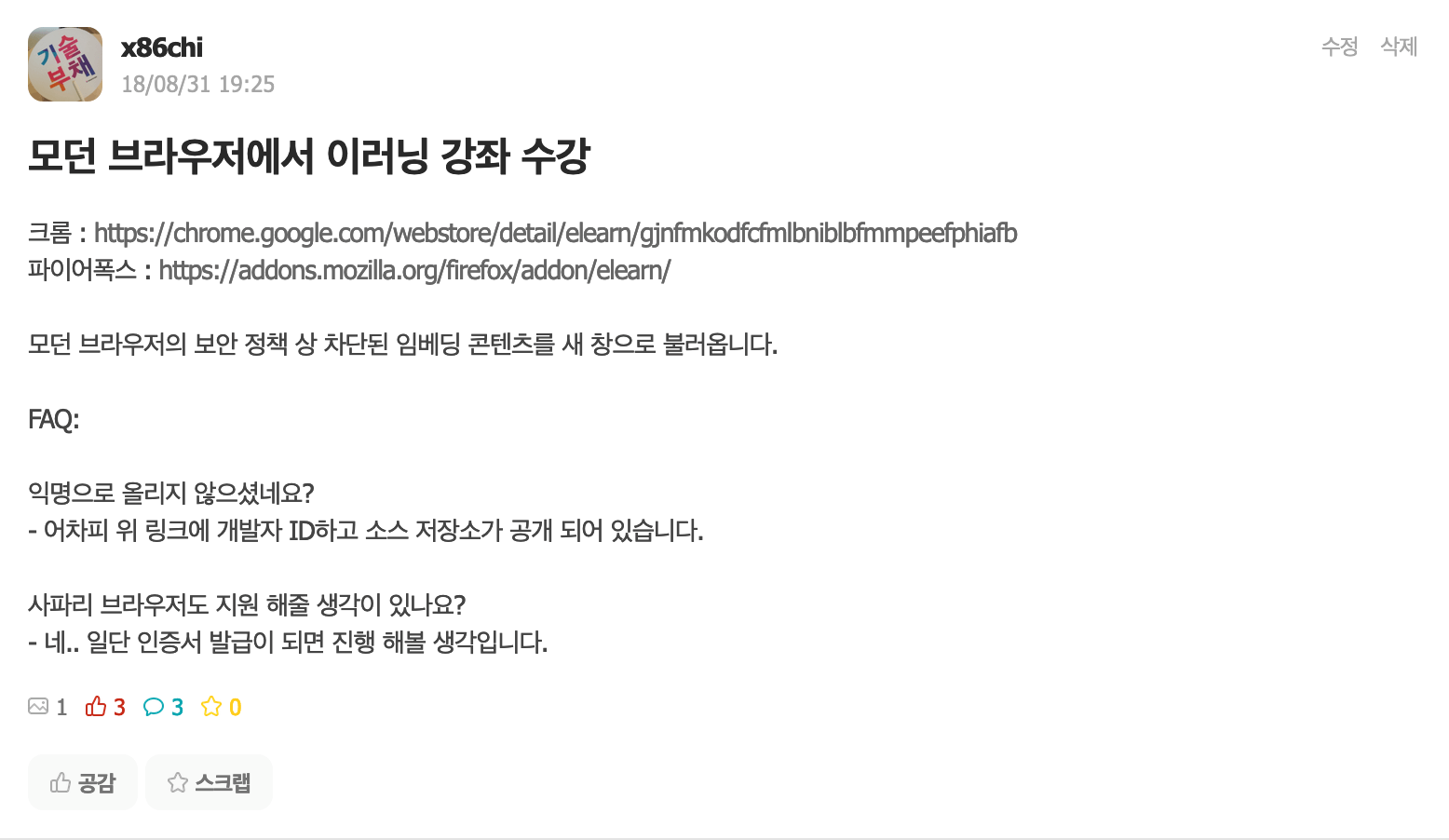 ↩︎
↩︎